
Scorer
Keeps the official scoresheet. Records every point, foul, timeout and substitution.
Volunteers
New to the score bench? Here is what each job involves and where to learn it before game day.
Free course
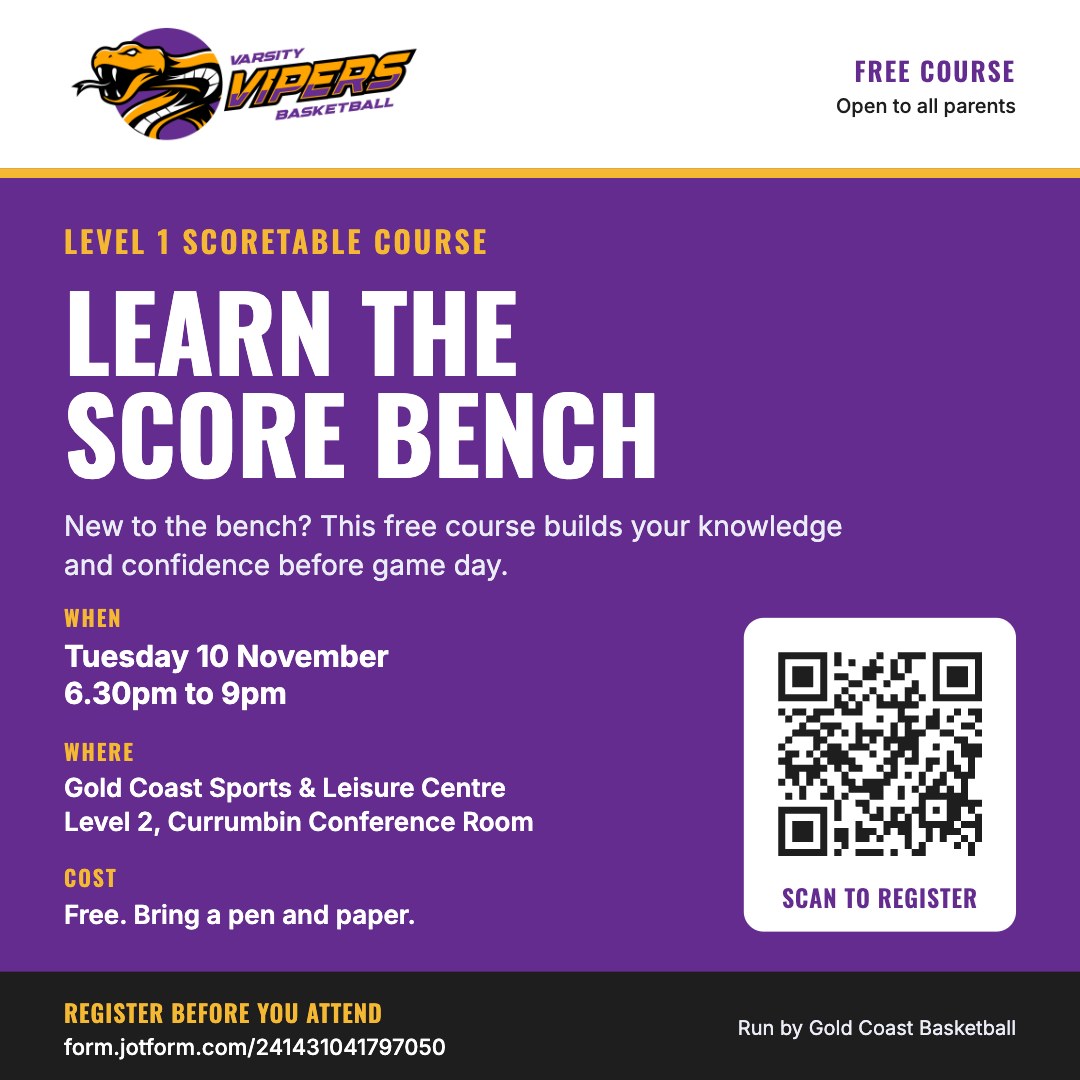
New to the bench? This free Gold Coast Basketball course builds your knowledge and confidence before game day. It is open to all parents.
Registration is required before you attend.
Score bench officials work with the referees to run the game. They keep the score, the clock, the fouls and the timeouts.
Parents take turns on the bench. Your team manager sets your team's roster.
The four jobs
Keeps the official scoresheet. Records every point, foul, timeout and substitution.
Runs the scoreboard and helps the scorer keep up.
Starts and stops the game clock on the referee's signal.
Runs the shot clock, in games that use one.
Game day
Each team supplies one bench official every game.
The home team runs the game clock. The away team does the scoring. The officials can agree to swap.
The clock keeps running for most of the game. In the last minute it stops for scored baskets, and for whistles when the margin is 10 points or less.
Each team gets one timeout per quarter. A timeout lasts 50 seconds.
Under 10s have no free throws.
Players ask the bench for a substitution. Subs come on when the ball is dead.
These rules come from the Gold Coast Basketball Game Rules. The association's current rules apply on game day.
On the bench
The scorer runs the iPad. Here is everything you need for a junior game.
The game cannot start until both teams are approved on the iPad.
Tap the player, then tap the points. +1 is a free throw. +2 is most baskets. +3 is a shot from behind the three-point line, which the referee signals.
Tap the player, then tap Personal Foul.
Tap Technical Foul, then choose the player. For a bench technical, choose the coach. A junior given a technical foul is subbed off and sits out five minutes of playing time.
Confirm the score at the end of each quarter. Confirm the final score at the end of the game.
Timing comes from the game clock. You do not time anything on the iPad.
There are no free throws. A player fouled while shooting who misses gets 2 points. Add +2 to that player.
During the game
Clock and timeout rules come from the Gold Coast Basketball Game Rules. The possession arrow and the five-foul limit follow FIBA basketball rules. Your referees have the final say on game day.
Get ready
Basketball Queensland runs it on Basketball Australia's eTrainu site. It covers the basic rules and each bench job.
Tuesday 10 November, 6.30pm to 9pm, at Gold Coast Sports & Leisure Centre, Level 2, Currumbin Conference Room. Bring a pen and paper. Registration is required.
The FIBA Table Officials Manual covers every bench job in depth.
Questions